 Image 1 of 1
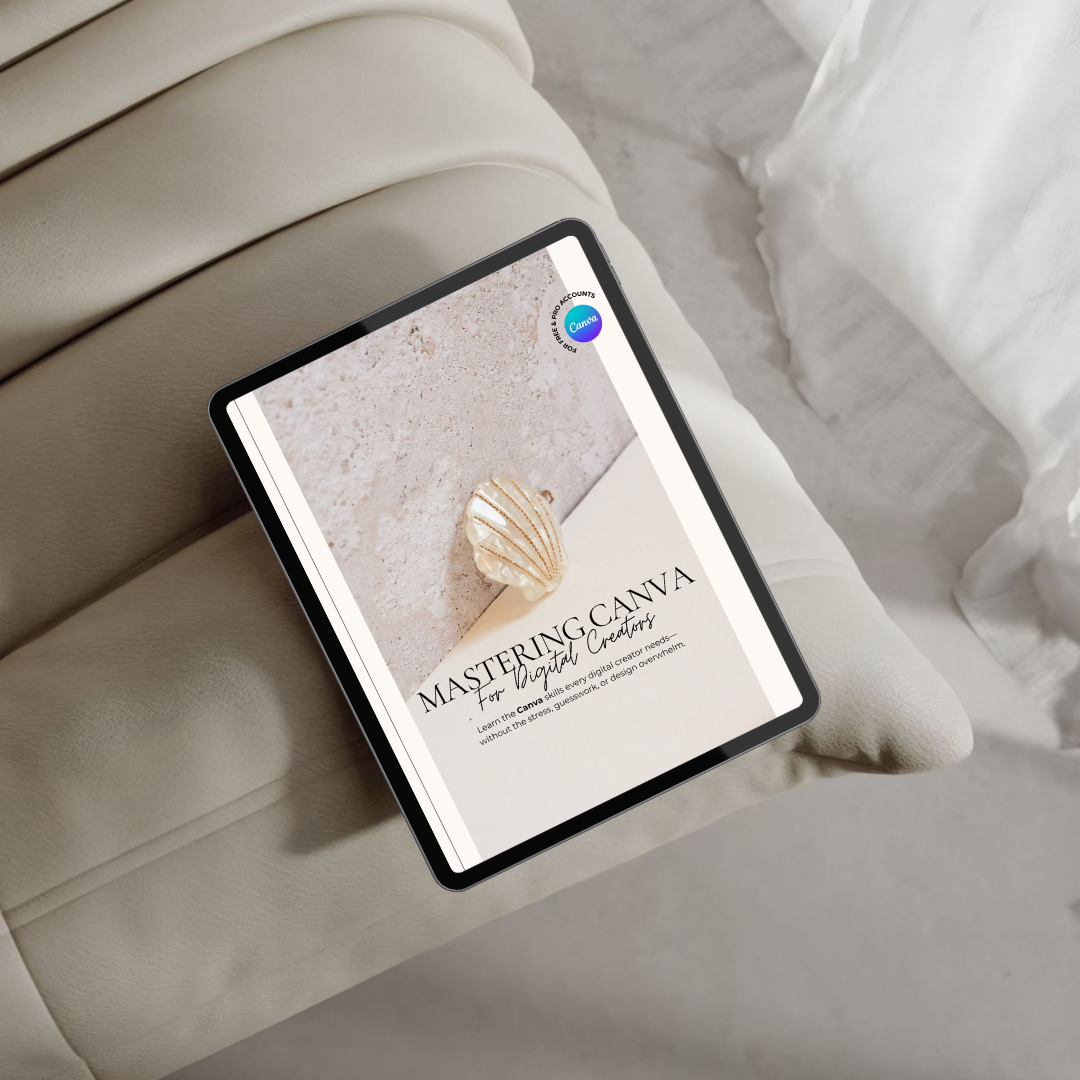
Mastering Canva ~ For Digital Creators
Learn to design beautiful, professional digital products—even if you’ve never used Canva before.
67-page PDF form guide (Via a Canva website) + bonus mockups + walkthrough tutorials | Personal use only (Works on Free & Pro versions of Canva)
If you’ve ever opened Canva, stared at the blank screen, and thought “where do I even begin?”—this is for you.
Mastering Canva is a complete beginner-to-confident-designer training guide, designed to take the overwhelm out of Canva and help you actually create digital products that look good—and that you’re proud to share or sell.
This isn’t just a collection of tips. It’s a full, structured walkthrough of the Canva features that matter most to creators: layout building, product formatting, consistent branding, time-saving tools, and final export tricks that make your products pop off the page.
You’ll get 67 pages of beautifully organised training—plus video walkthroughs and bonus mockup templates—so you can follow along at your own pace and finally feel in control of your design process.
Inside the guide, you'll learn:
✔ Canva 101 – Navigate the dashboard, set up your brand kit, and organise your workspace like a pro
✔ Smart systems for faster design – Learn how to structure your projects, reuse layouts, and keep your products cohesive
✔ Design workflows for digital products – Build beautiful planners, ebooks, lead magnets, and printable PDFs with clarity and ease
✔ Clickable content & styling – Discover how to add internal links, create clean dividers, and style your fonts for a professional finish
✔ AI-powered Canva tools – Use Magic Resize™, Dream Lab™, Smart Pages and Magic Write™ to save hours and level up your designs
✔ Prepping for launch – Exporting the right file types, creating sharp mockups, and getting your product polished and ready to go
✔ Bonus mockup bundle – Includes 15 drag-and-drop Canva templates for social posts, banners, reels and more
✔ Bonus tutorial videos – Follow along with step-by-step walkthroughs for extra clarity and visual learning
Why it works:
Because it’s made for real people—not designers. You won’t get theory or generic Canva advice.
You’ll get a practical, visual training system that walks you through what matters most: creating clean, on-brand digital products with speed and confidence.
Whether you’re a creator, coach, VA, or business owner wanting to produce your own digital downloads, this guide gives you the design skills you need to bring your ideas to life—without getting stuck every five minutes or outsourcing everything.
Who it’s for:
• Complete beginners ready to finally understand Canva
• Freelancers and VAs looking to offer Canva design as a service
• Creators, coaches & educators building out a library of digital products
• Anyone tired of second-guessing every layout, colour, or export setting
What you’ll receive:
– 67-page Canva training guide (PDF download)
– Bonus: 15 customisable Canva mockup templates
– Bonus: Step-by-step video tutorials linked inside
– Access delivered via email after purchase.
Because learning how to confidently use Canva shouldn’t require a design degree, hours of trial-and-error, or watching 15 YouTube videos to find one decent answer—and this guide gives you exactly that.
⚠️ Licensing Terms:
This guide is for personal use only.
No PLR (Private Label Rights) or MRR (Master Resell Rights) are included.
You may not edit, rebrand, resell, or redistribute this product.
Check your spam/junk folder if your download email hasn’t arrived within 48 hours.
Learn to design beautiful, professional digital products—even if you’ve never used Canva before.
67-page PDF form guide (Via a Canva website) + bonus mockups + walkthrough tutorials | Personal use only (Works on Free & Pro versions of Canva)
If you’ve ever opened Canva, stared at the blank screen, and thought “where do I even begin?”—this is for you.
Mastering Canva is a complete beginner-to-confident-designer training guide, designed to take the overwhelm out of Canva and help you actually create digital products that look good—and that you’re proud to share or sell.
This isn’t just a collection of tips. It’s a full, structured walkthrough of the Canva features that matter most to creators: layout building, product formatting, consistent branding, time-saving tools, and final export tricks that make your products pop off the page.
You’ll get 67 pages of beautifully organised training—plus video walkthroughs and bonus mockup templates—so you can follow along at your own pace and finally feel in control of your design process.
Inside the guide, you'll learn:
✔ Canva 101 – Navigate the dashboard, set up your brand kit, and organise your workspace like a pro
✔ Smart systems for faster design – Learn how to structure your projects, reuse layouts, and keep your products cohesive
✔ Design workflows for digital products – Build beautiful planners, ebooks, lead magnets, and printable PDFs with clarity and ease
✔ Clickable content & styling – Discover how to add internal links, create clean dividers, and style your fonts for a professional finish
✔ AI-powered Canva tools – Use Magic Resize™, Dream Lab™, Smart Pages and Magic Write™ to save hours and level up your designs
✔ Prepping for launch – Exporting the right file types, creating sharp mockups, and getting your product polished and ready to go
✔ Bonus mockup bundle – Includes 15 drag-and-drop Canva templates for social posts, banners, reels and more
✔ Bonus tutorial videos – Follow along with step-by-step walkthroughs for extra clarity and visual learning
Why it works:
Because it’s made for real people—not designers. You won’t get theory or generic Canva advice.
You’ll get a practical, visual training system that walks you through what matters most: creating clean, on-brand digital products with speed and confidence.
Whether you’re a creator, coach, VA, or business owner wanting to produce your own digital downloads, this guide gives you the design skills you need to bring your ideas to life—without getting stuck every five minutes or outsourcing everything.
Who it’s for:
• Complete beginners ready to finally understand Canva
• Freelancers and VAs looking to offer Canva design as a service
• Creators, coaches & educators building out a library of digital products
• Anyone tired of second-guessing every layout, colour, or export setting
What you’ll receive:
– 67-page Canva training guide (PDF download)
– Bonus: 15 customisable Canva mockup templates
– Bonus: Step-by-step video tutorials linked inside
– Access delivered via email after purchase.
Because learning how to confidently use Canva shouldn’t require a design degree, hours of trial-and-error, or watching 15 YouTube videos to find one decent answer—and this guide gives you exactly that.
⚠️ Licensing Terms:
This guide is for personal use only.
No PLR (Private Label Rights) or MRR (Master Resell Rights) are included.
You may not edit, rebrand, resell, or redistribute this product.
Check your spam/junk folder if your download email hasn’t arrived within 48 hours.